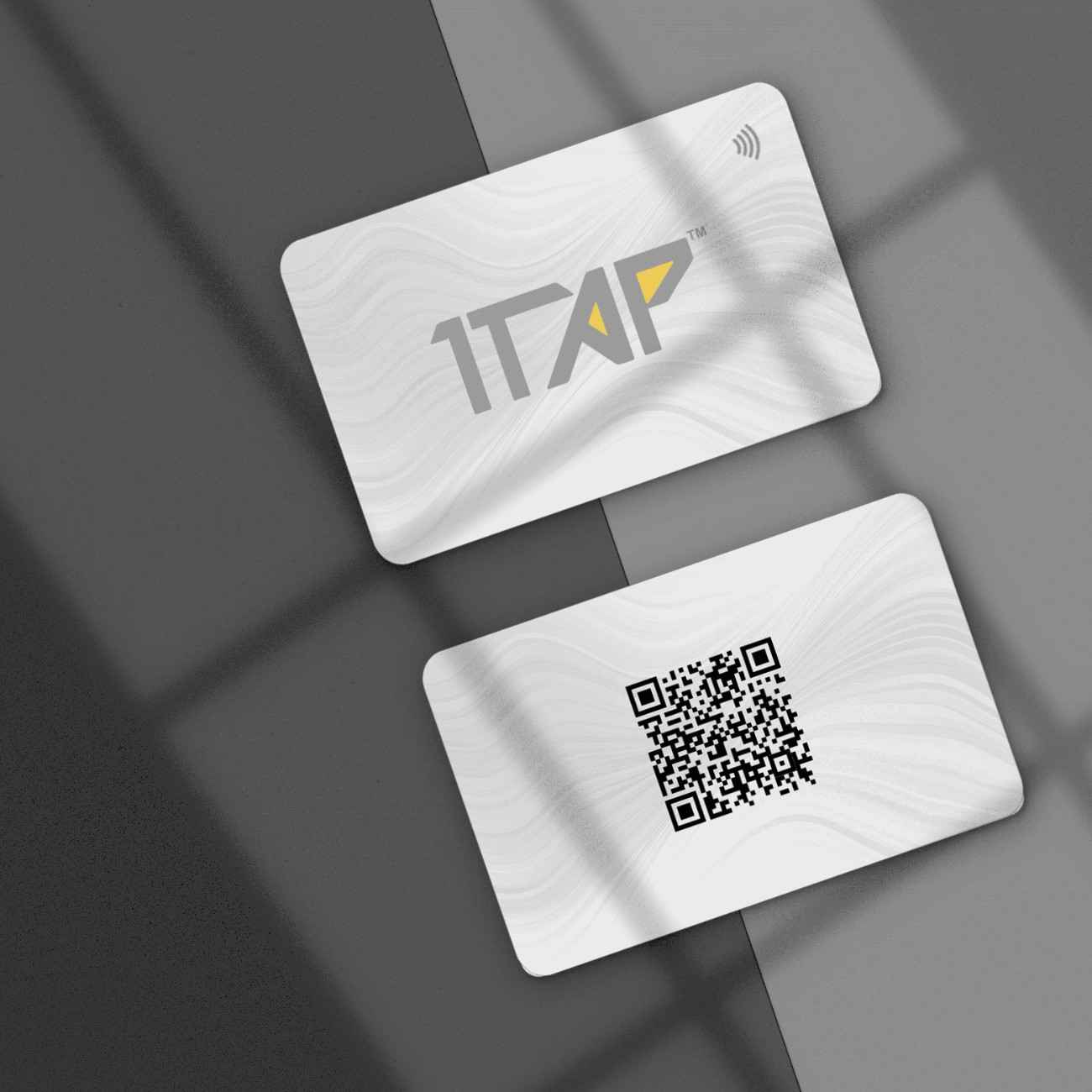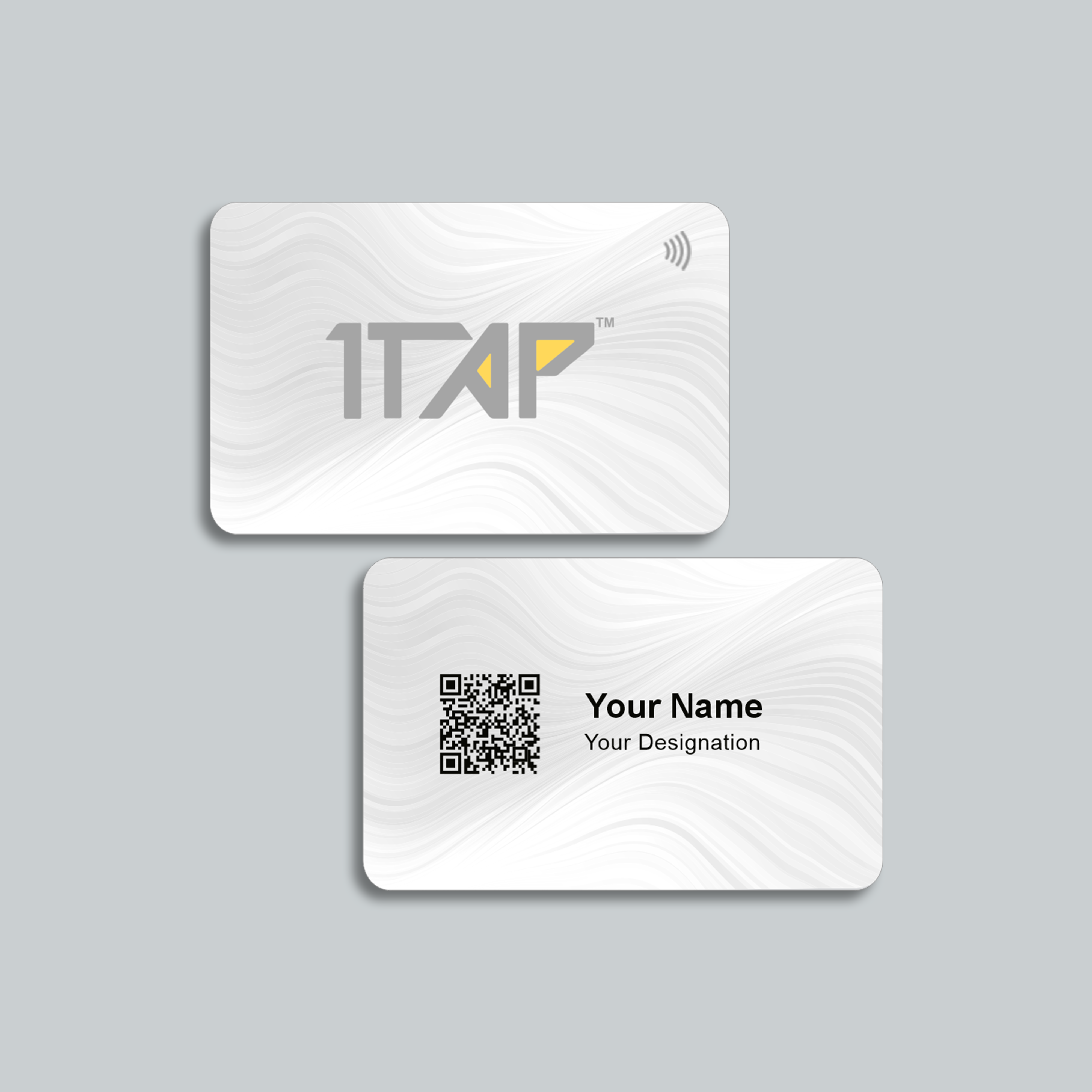
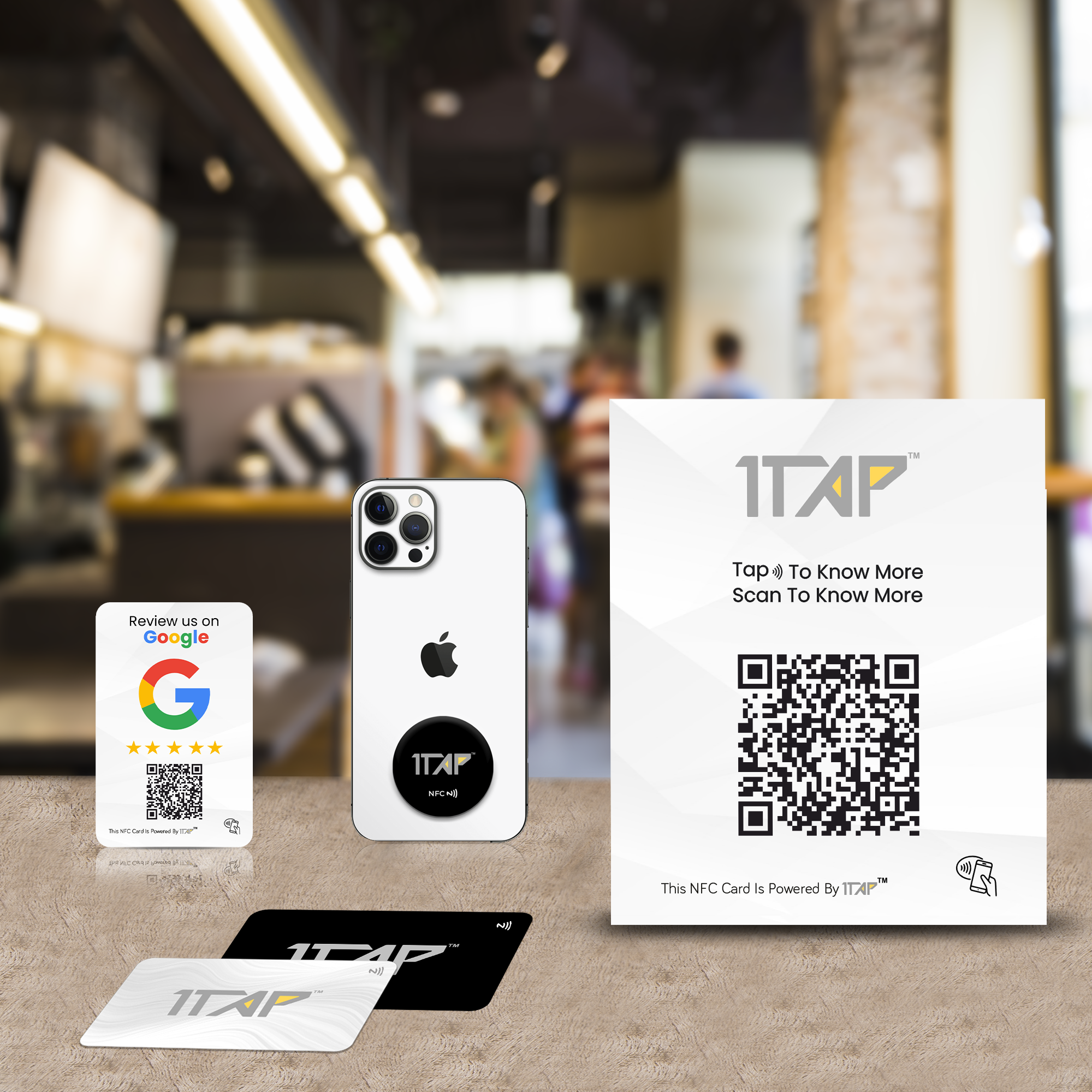
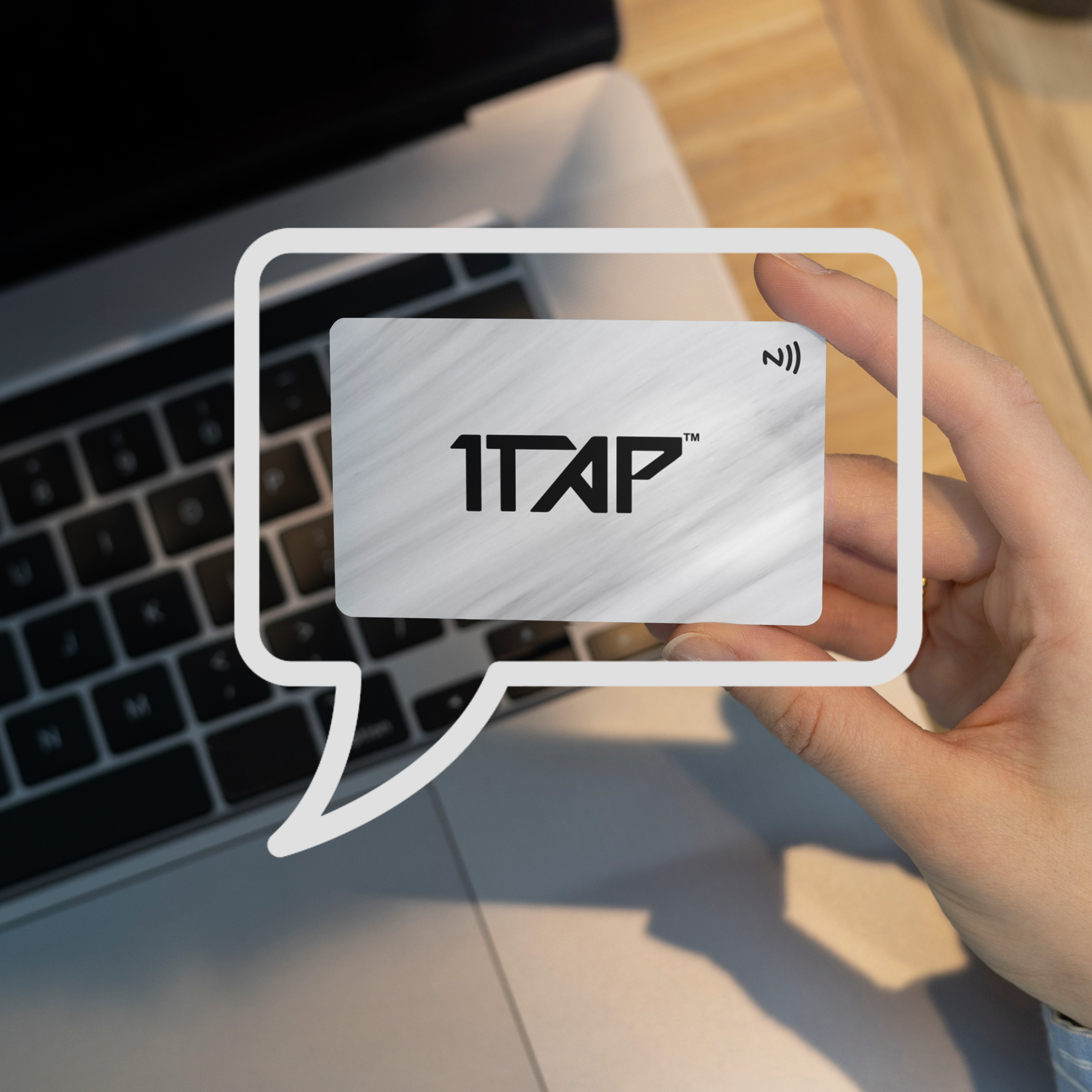

In the digital-first world, it is not feasible to exchange only a phone number. Whenever individuals encounter you in an event or a business meeting, they tend to check you online and then make follow-ups. This is the reason why the introduction of social media connections of NFC business cards has become such a potent networking enhancement.
An NFC card is not a digital substitute for a paper one anymore but a living presentation of yourself to the workplace. With proper application, social media connections can turn a mere tap into an important relationship. This guide clarifies the procedure of adding social media links and what to add and the way to prevent frequent errors.
Understanding How NFC Business Cards Share Social Media Links
How NFC Technology Works
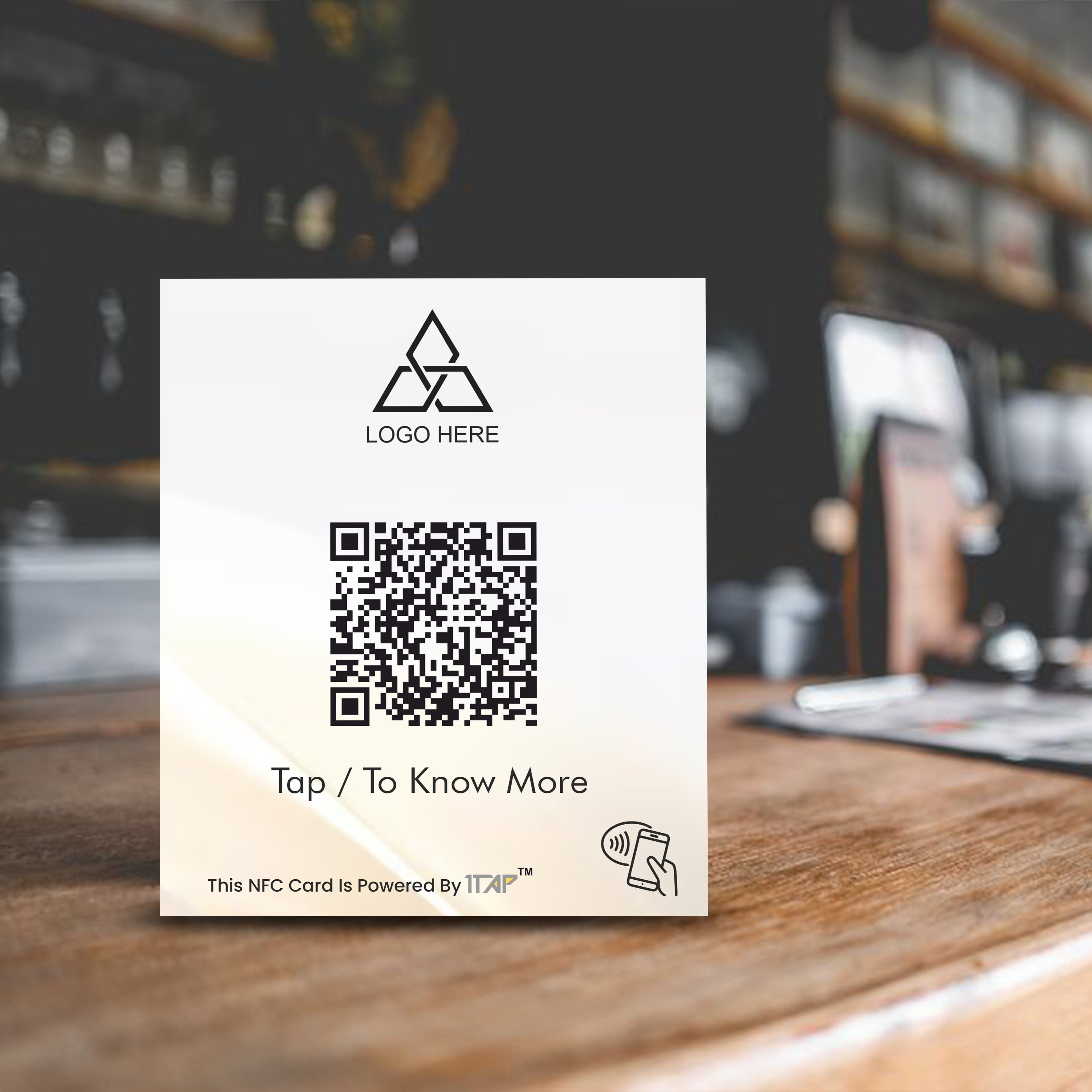
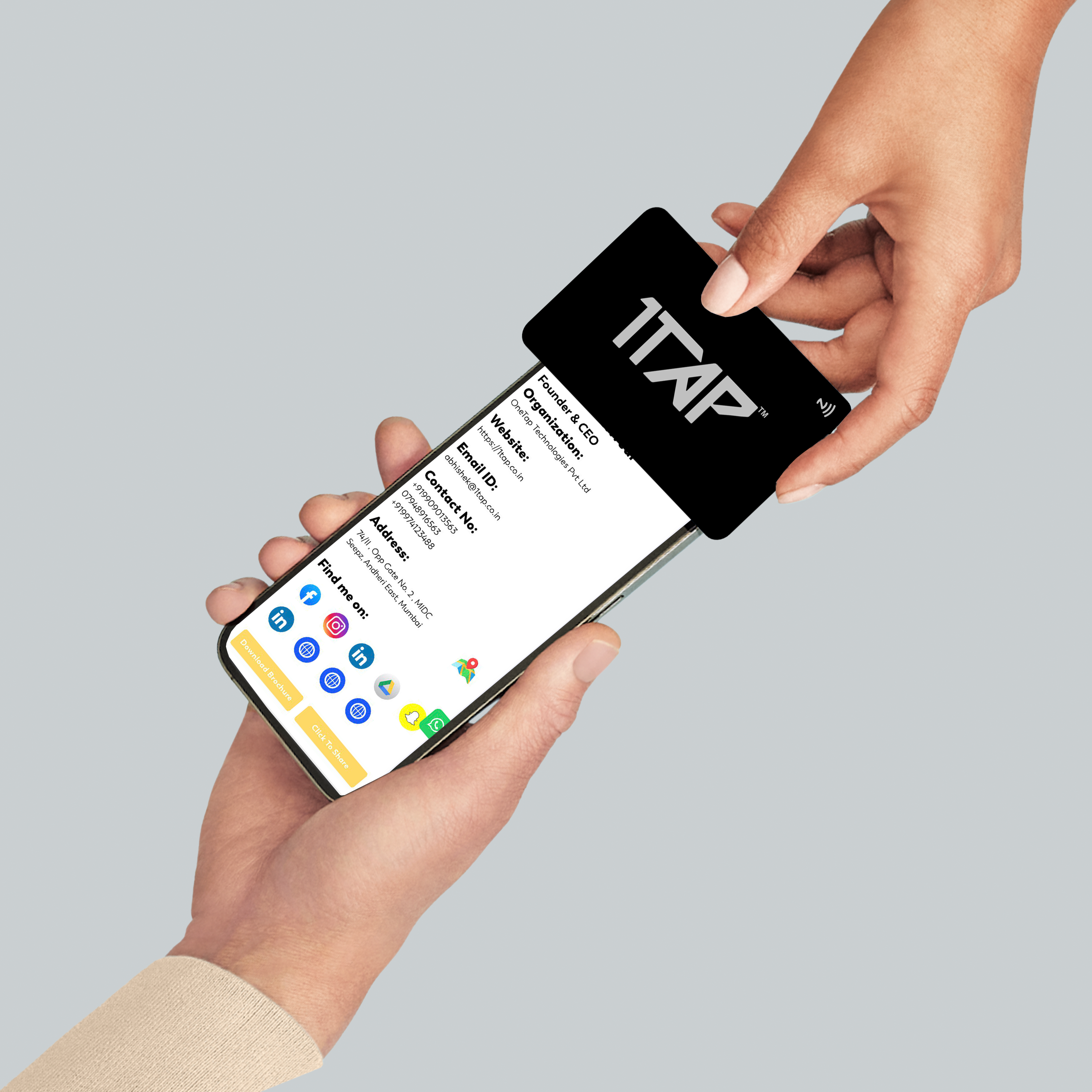
NFC (Near Field Communication) will enable your card to send information to a smartphone upon tapping. The phone also creates a digital portrait of your contact information, web address, and social media connections; no application is needed.
NFC Tap vs. QR Code Sharing
The smart cards are based on NFC tap as the main mode and the backup is on a digital business card QR code. In case a phone is not NFC supported, then the QR code will make sure that your information is not lost.
Where Your Social Media Links Are Stored
You do not store your links in the physical card. They exist in the digital profile linked to it and this implies that you can update them any time without having to reprint the card.
Step-by-Step: How to Add Social Media Links to Your NFC Business Card
Step 1: Access Your Digital Card Dashboard
Once you activate your NFC card you will get access to a dashboard or control panel. Here you have an administration of your profile information, links and layout.
Step 2: Select Relevant Social Platforms
Select platforms that will support your professional objectives:
-
LinkedIn as a business networking tool.
-
Instagram or YouTube as a creative.
-
Contact buttons: WhatsApp or call.
It is not advisable to add all the platforms that you use personally.
Step 3: Add Clean, Direct Profile Links
Never post links to profiles (such as your LinkedIn profile page). Do not use shortened links or links to single posts which can go out of date.
Step 4: Save, Test, and Tap
After saving, ensure you test your card on other phones. Check that:
-
Links open quickly.
-
The layout looks clean.
-
Buttons work smoothly.
It allows a professional first impression through testing.
Which Social Media Links Should You Add?
Best Platforms for Professional Use
These links are the most effective for most users:
-
LinkedIn
-
Portfolio or company website.
-
Google Business profile.
These links enable individuals to know who you are and what you do in a few seconds.
When Visual Platforms Make Sense
Instagram, YouTube, or Behance can bring great value to your work in case it is visual, i.e., fitness, design, real estate, or content creation.
Why Fewer Links Work Better
Instead of having a cluttered profile, three or five targeted links tend to draw more attention to the profile. Excessive choices will strain visitors and minimize action.
How to Design Your Social Media Layout to Be Engaging
Button Placement Matters
The links on your profile are the ones most clicked when they are located on the top. Select one main action, an example of which is either a Connect on LinkedIn or a Visit Website.
Icons vs. Text Links
The use of icons renders profiles appealing to the eye, with the use of text labels providing some clarity. A mixture of the two suits best for fast comprehension.
Mobile-First Experience
As nearly every NFC tap occurs on a smartphone, the issue of spacing and readability on small screens is very important. Good design enhances usability.
How Card Type Influences Social Media Sharing
NFC Metal Business Cards
NFC metal business cards make the first impression a high-impact luxurious one. They are popular among the executives, founders and consultants who desire their card to look as powerful as their brand.
Bamboo Card Sustainable Branding
The bamboo card will attract employees and employers who are environmentally friendly. It is an indication of sustainability and meaning prior to the tap happening.
Why Physical Design Still Matters
The digital profile does the job whereas the physical card instills expectations. An attractive card is likely to encourage people to tap and visit your links.
Common Mistakes to Avoid
Linking Inactive or Outdated Profiles
A dormant LinkedIn or expired Instagram account builds on lack of credibility more rapidly than complete absence of linkage.
Forgetting to Update Information
Any job changes, new business or updated websites must be immediate. Outdated links reduce trust.
FAQs
Is it possible to refresh my social media connections in the future?
Yes. Communication between meetings is real-time and online.
What about the fact that the phone of a person does not have NFC?
They are able to scan the QR code on the card.
Are there any differences in the functionality of NFC metal and bamboo cards?
No. The difference in design and branding is the same technology.
Should you have personal or business accounts?
It is advisable to use business/professional accounts in order to be credible.
Turn Every Tap Into a Digital Introduction
Connecting social media with your NFC card is not about sharing all things, but sharing the correct things. A carefully considered card turns out to be an online introduction that functions even when the meeting is over.
When professionals and businesses intend to develop great NFC business cards, whether high-quality NFC metal business cards with smart social media features, they need reliable solutions. One Tap Technologies Pvt Ltd can provide future-flexible NFC solutions. These solutions enable each tap to create a real connection.